Pay at the table. Split if you want.
Your guests pay from their phones. No app. No awkward math. No waiting for the check.

Table settled in 3 min
Your share
3 items claimed
Three reasons restaurants switch
Built around the people who run the room.
Zero commission. Forever.
No setup fee. No monthly subscription. No hardware cost. Bianza is free for restaurants — not as a promotion, as the model.
Earn on every table.
Restaurants earn a bonus on every table that pays through Bianza. Contact us for details.
Your servers earn more.
Bianza gives your servers extra income on every guest. That's why they'll actively promote it to your tables.
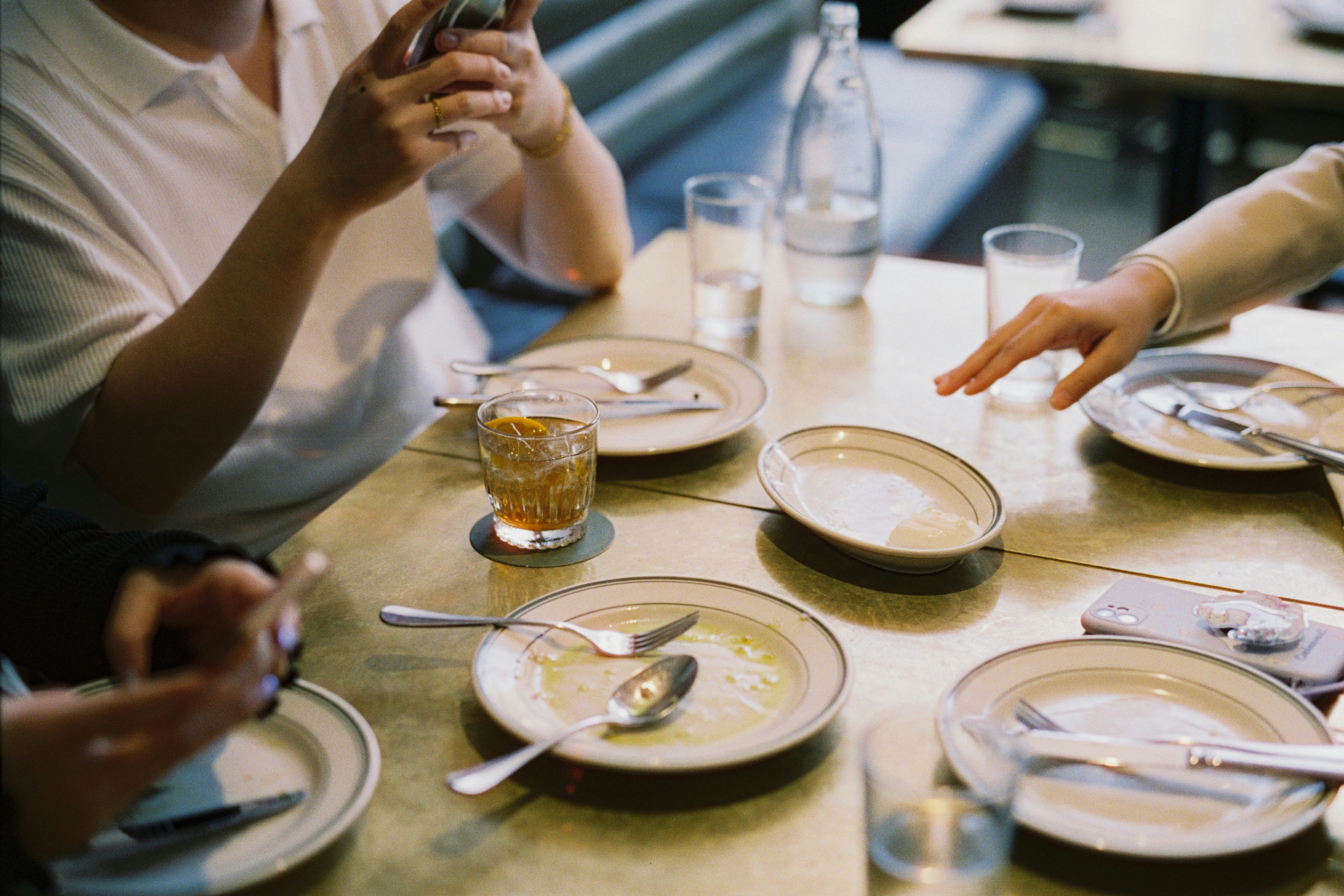
Group dining is broken
No more splitting across multiple cards. Everyone pays from their own phone.
No more waiting for the check, splitting, and running cards one by one.
No more awkward conversations. Guests claim exactly what they ordered.
When payment is easy and transparent, guests tip more generously.
See it in action
How it works
Four steps. No friction.
Scan the QR
Each table has its own QR. Guests scan with their phone camera — no app to download.
Order from the menu
Browse the full menu on their phone and send orders straight to the kitchen — or skip this and let the server take orders the usual way.
Claim and split
When the bill is ready, each guest taps the items they had. Shared plates split evenly with one tap.
Pay and walk out
Apple Pay, Google Pay, or card — one tap. Funds settle to your Stripe account, usually within two business days.
For restaurants
Works with your POS, not instead of it.
Bianza is a layer your guests use to pay — your kitchen, your service, your POS, all unchanged. Live in five minutes, free for restaurants. Always.
Zero commission
On all food revenue.
Zero subscription
No monthly fee. Ever.
Zero hardware
Just print the QR codes.
Live in five minutes.
Three short steps from sign-up to your first paid table.
Connect Stripe
Stripe Connect handles payouts. You stay in control of the money.
Add your tables
Name them or number them. Match your floor plan.
Print the QR codes
One PDF, one QR per table. Tape, frame, or stand them.
Pricing
Free for restaurants. A small fee for diners.
Restaurants pay nothing — no setup fee, no monthly subscription, no commission on food revenue. Diners pay a small service fee for the convenience of splitting and paying from their phones.
For restaurants
Always. Zero commission on all food revenue.
- Zero commission on all food revenue
- Unlimited tables, unlimited transactions
- QR code generator
- Real-time dashboard
- Payouts via Stripe, usually within 2 business days
For diners
Paid by diners. Shown on screen before they pay — no surprises.
- No app download
- Apple Pay and Google Pay
- Split shared items evenly
- Instant payment confirmation
- Digital receipt
Diners see the exact fee at checkout before paying.
Comparison
How Bianza compares.
| Feature | RecommendedBianza | Toast | Square |
|---|---|---|---|
| Monthly cost to restaurant | Free | $69+ | $60+ |
| Commission charged to restaurant | 0% | Varies | Varies |
| Hardware required | None | $799+ | $299+ |
| Group bill splitting | Automatic | Manual | Manual |
| Diner app download | Not required | Varies | Varies |
Competitor pricing reflects publicly listed starting tiers and may vary by plan or region.
Frequently asked
Questions, answered.
Your guests scan a QR code at the table, see the bill on their phone, claim their items, and pay with Apple Pay, Google Pay, or any card. The server never runs multiple cards for group tables.
No. Bianza is completely free for restaurants. No setup fee. No monthly subscription. No per-transaction commission on food revenue. Diners pay a small service fee for the convenience.
No. Bianza is entirely web-based. They scan the QR code and the experience opens in their phone's browser instantly.
Stripe Connect. Funds deposit to your bank account, usually within 2 business days. You track all payouts in your Bianza dashboard.
No problem. Bianza is optional for guests. Your server can still handle their payment the traditional way. There is no all-or-nothing requirement.
No. Just a printer for the QR codes. Bianza works alongside any POS system. We integrate with many major POS providers, but it's not required.
After claiming their items, each guest adds a tip. We show suggested percentages (18%, 20%, 25%) and a custom option. Tips go directly to your restaurant with the payout.
Diners pay a small service fee for the convenience of splitting and paying from their phones. The exact fee appears on screen before they pay — no surprises.
Trust
Your customers pay the restaurant. Bianza just makes it smooth.
Pay at the table. Split if you want.
Free for restaurants. Live in five minutes. Your guests will thank you tonight.